Every chair, and who needs the doctor next
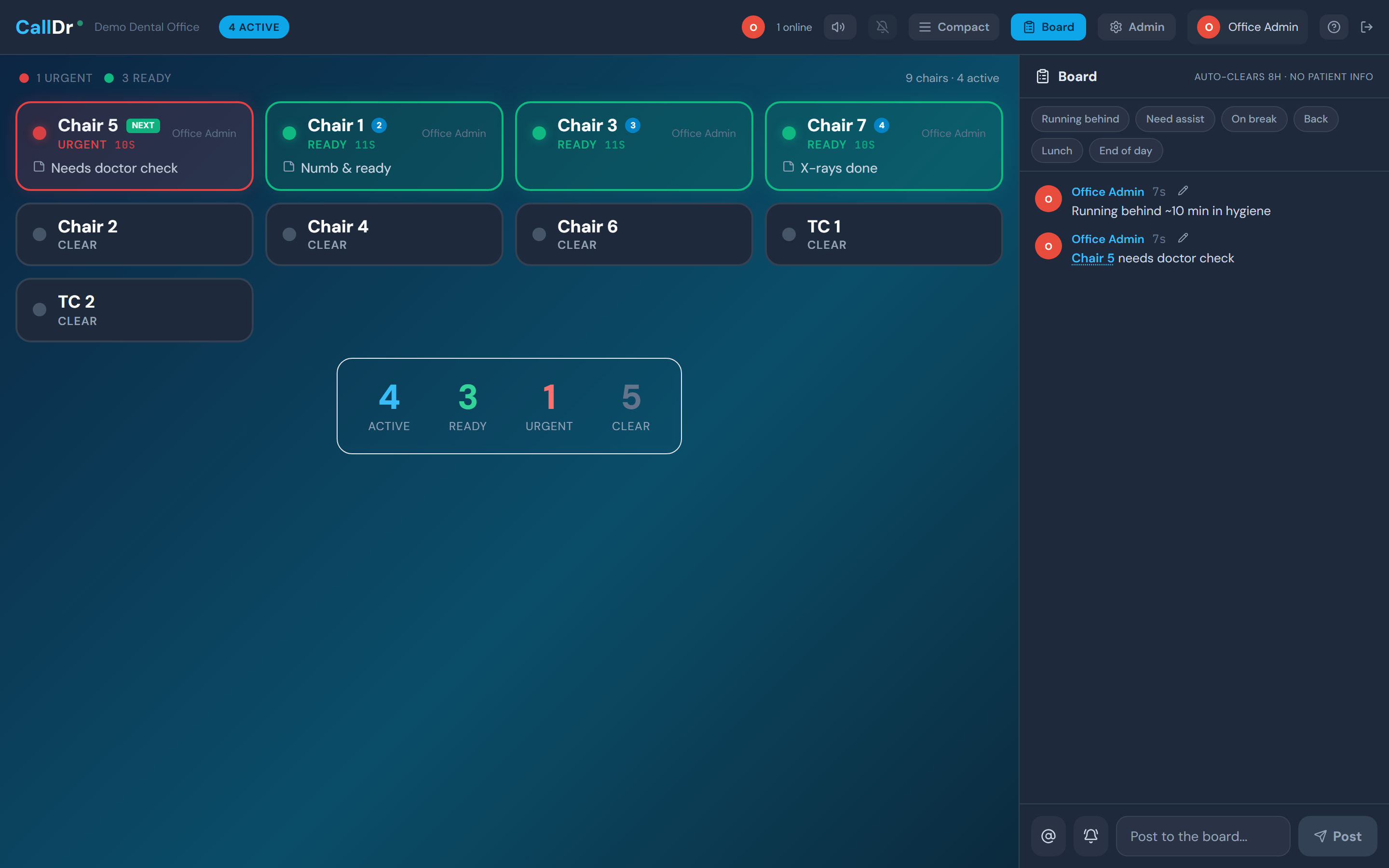
Numb and ready. Hygiene check. X-rays done. Staff tap a chair and the board shows what needs attention, how long it has been waiting, and which chair is next — on every screen in the office. No overhead paging, no walking the hallway, no light bar that can only blink.
Statuses in your vocabulary
The dental practices profile ships these out of the box — rename, recolor, add, or remove any of them in Admin.
The chair needs the doctor — numb and waiting, a hygiene check, or a seated patient ready to start
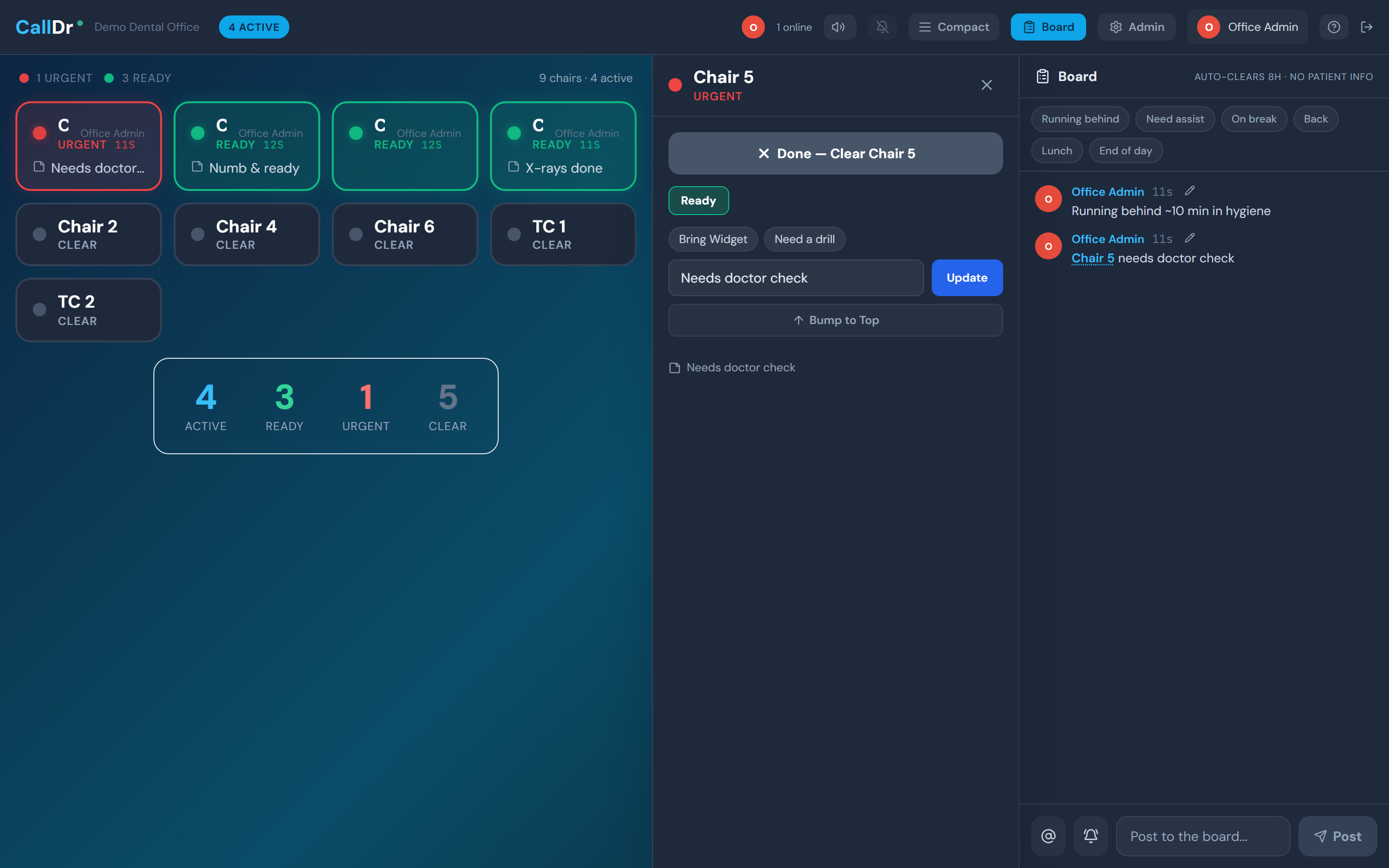
Jumps to the front of the queue, pulses red, and fires the urgent alert sound
Nothing needed — the chair leaves the queue until someone flags it again
How a shift runs on Ready.Doctor
A queue, not just a light
The board ranks chairs: urgent first, then bumped, then longest waiting. The next chair carries a green NEXT badge and the following four are numbered, so nobody has to ask who has been waiting longest.
Aging in dental minutes
Chairs move green to yellow to orange to red on a 3/7/12-minute ramp — tuned for operatory turnover, not hour-long treatments. A chair sitting twelve minutes is impossible to miss from across the room.
One tap, with a reason attached
Preset notes ride along with the status: Numb & ready, Needs exam, X-rays done, Patient anxious. Edit the list in Admin so it matches how your office actually talks.
See it with your own chair names
Request access and we will set your office up with you. Pick the dental practice profile during setup and the board arrives speaking your language.